
Inside the studio
From Sketch to Streetwear: Make Your Art a Custom Hoodie
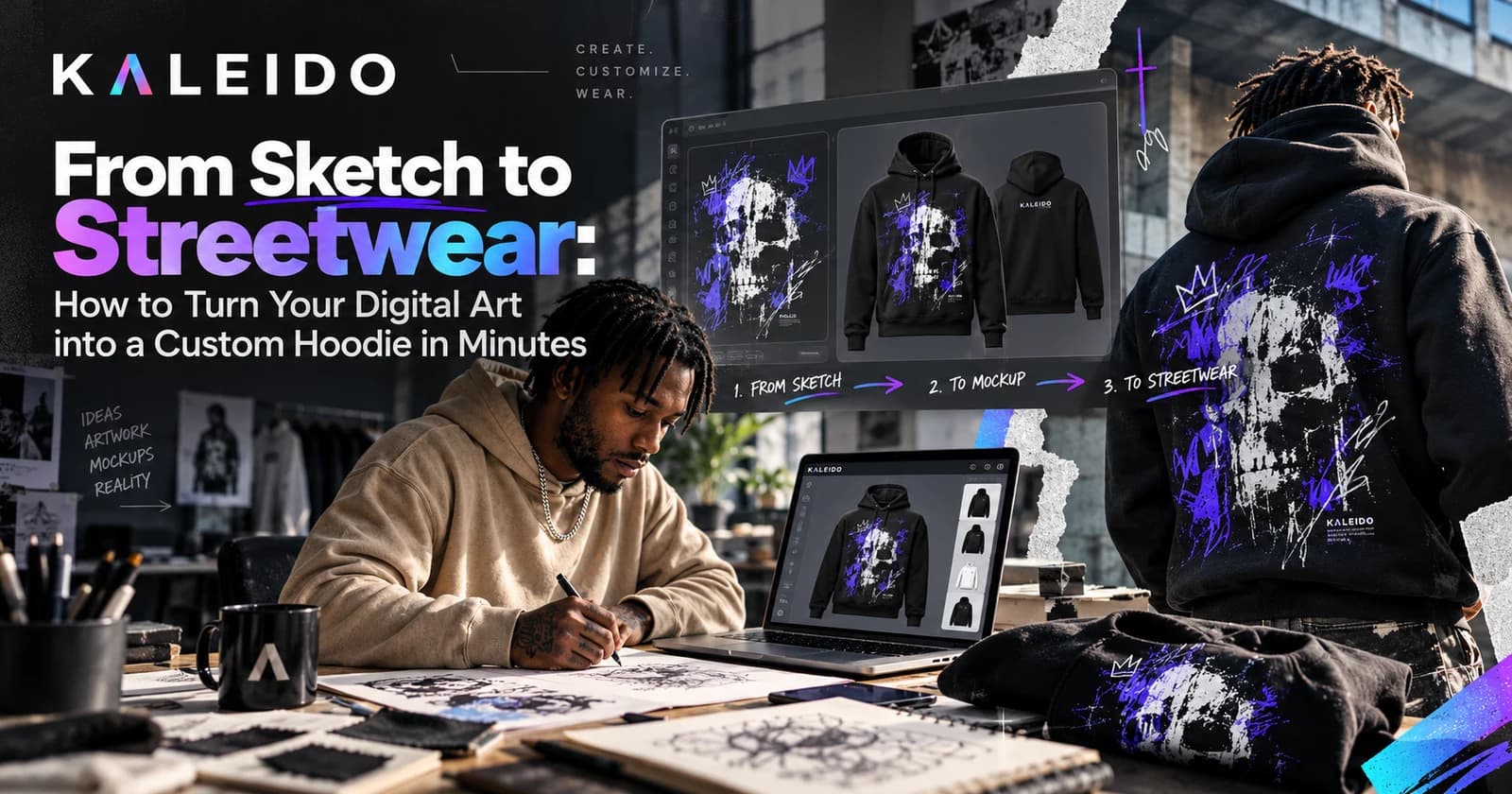
Get that drawing off your screen. Prepare your file, find its place on a hoodie and see the whole design come together in 3D.
In this guide
To turn your digital art into a custom hoodie, upload a high-resolution file to the Kaleido 3D Editor, choose your garment and adjust the design in 3D. With artwork ready, you can create a first preview in minutes; production and delivery happen afterwards.
1. Decide how your art will live on the hoodie
A hoodie gives your artwork a new shape. The hood can cover part of a back graphic. Sleeves narrow and turn. Start with a composition that works on a person, then build out the details.
One standout illustration
Give the front or back the main image. Keep other panels quieter so the artwork has room to stand out.
An all-over pattern
Use a repeat or texture across the panels. Try larger shapes on the body and a smaller version on the sleeves.
2. Get your file ready
Start with the original digital drawing or a clean scan. Remove accidental marks and keep a layered master file so you can make changes later.
For a cutout graphic
PNG
Use transparency when you want the garment colour to show around your artwork.
For a full image
JPEG
Use it when the rectangular background is part of the design, such as a photograph.
- Export in the sRGB colour profile.
- Check edges against both light and dark backgrounds.
- Check the product’s file requirements at your intended print size.
3. Place the main artwork first
Select your hoodie in the Kaleido 3D Editor and upload your file. Place the main image, adjust its scale and rotate the garment. Add supporting details only once the main composition feels right.
4. Do a full 3D check
For all-over artwork, avoid relying on fine lines meeting perfectly across seams. Small placement differences can happen during cutting and sewing.
- Front: is there a clear focal point?
- Back: will the hood cover anything important?
- Sleeves: does the detail work without zooming in?
- Seams: are faces, text and precise lines clear of the joins?
Your art deserves a life beyond the screen
You have already made the artwork. Now give it a place in your wardrobe. Start with one hoodie, check the size and order details, and follow the care instructions when it arrives.
Frequently asked questions
Can I turn my own drawing into a custom hoodie?
Yes. Start with a clear digital file or scan, upload it to the Kaleido 3D Editor and arrange it on the hoodie’s available print areas. Use artwork you own or have permission to reproduce.
Which file format should I use?
Use PNG when you need transparency and JPEG for a full-background image. Export a high-resolution source in sRGB and check the selected product’s print requirements at the intended design size.
Will the hoodie look exactly like the 3D preview?
The preview helps you judge composition and placement, but it is not an exact colour or fit guarantee. Fabric, screen settings, garment size and production tolerances can affect the result. Order a sample to assess the finished piece.
Can I design an all-over print hoodie in minutes?
You can create a first 3D preview in minutes if your artwork is ready. A detailed panel-by-panel design may take longer. The preview time does not include production or delivery.
What do sRGB and OEKO-TEX mean?
sRGB is a digital colour profile. OEKO-TEX® ECO PASSPORT assesses textile chemicals; the sublimation inks used for Kaleido’s all-over garments are certified to it. This is not a colour-match guarantee or a separate certification of every finished garment.